Practice beyond the diagram

Build confidence through guided, repeatable lab work.

LaneCert positions physical-lab and guided practice as a bridge between knowing a networking concept and applying it methodically.

The operating loop

Configure. Validate. Diagnose. Explain.

A lab should help learners make decisions, observe results, find errors, and understand why the network behaves as it does.

  1. Translate the objective.

    Identify the intended state and constraints before making changes.

  2. Configure deliberately.

    Apply commands and policy with a reason for each step.

  3. Validate the result.

    Use evidence to confirm reachability, behavior, and security state.

  4. Troubleshoot systematically.

    Isolate the failure domain, test assumptions, and document the correction.

Lab environment

Real networking and infrastructure equipment

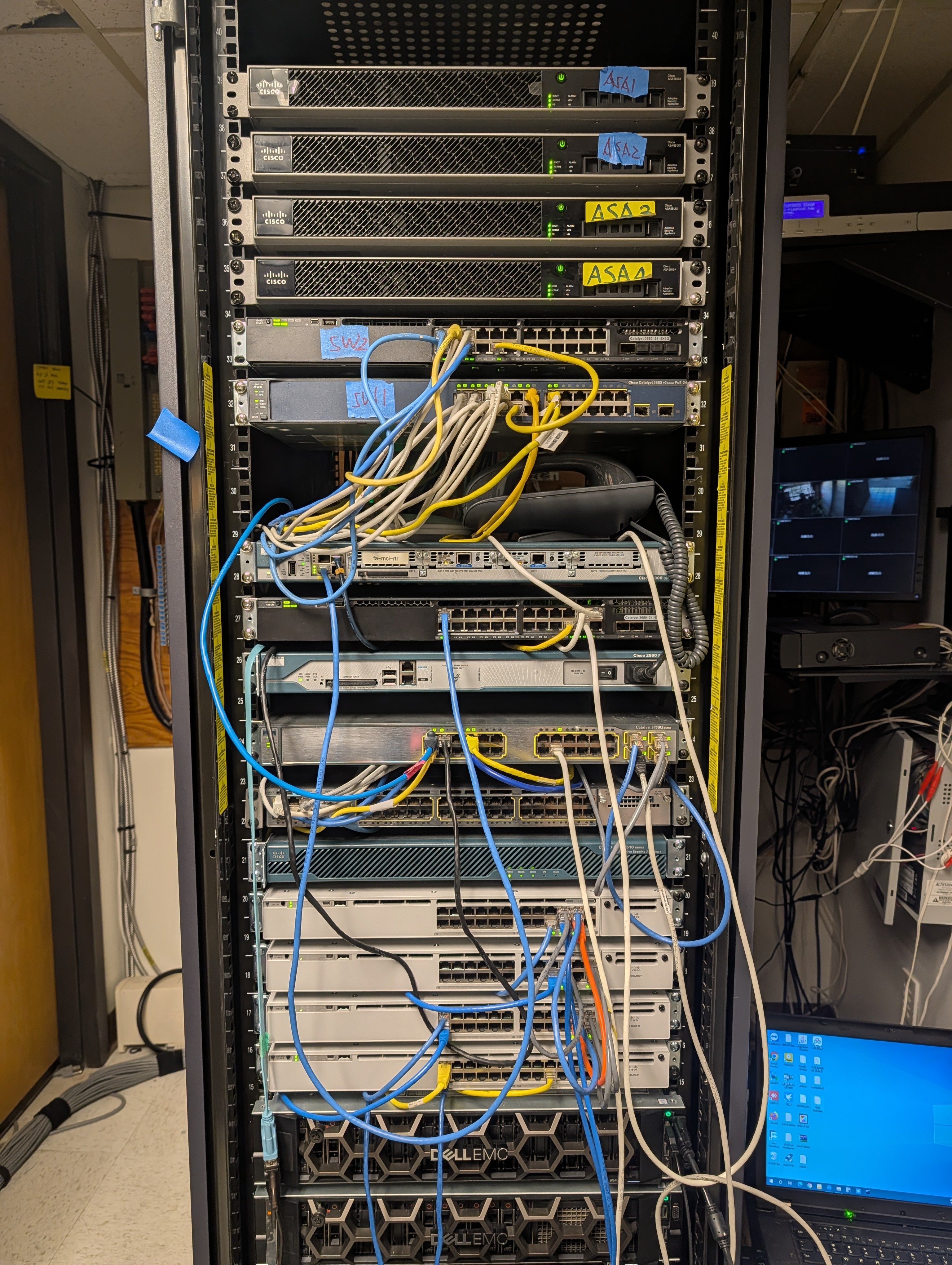
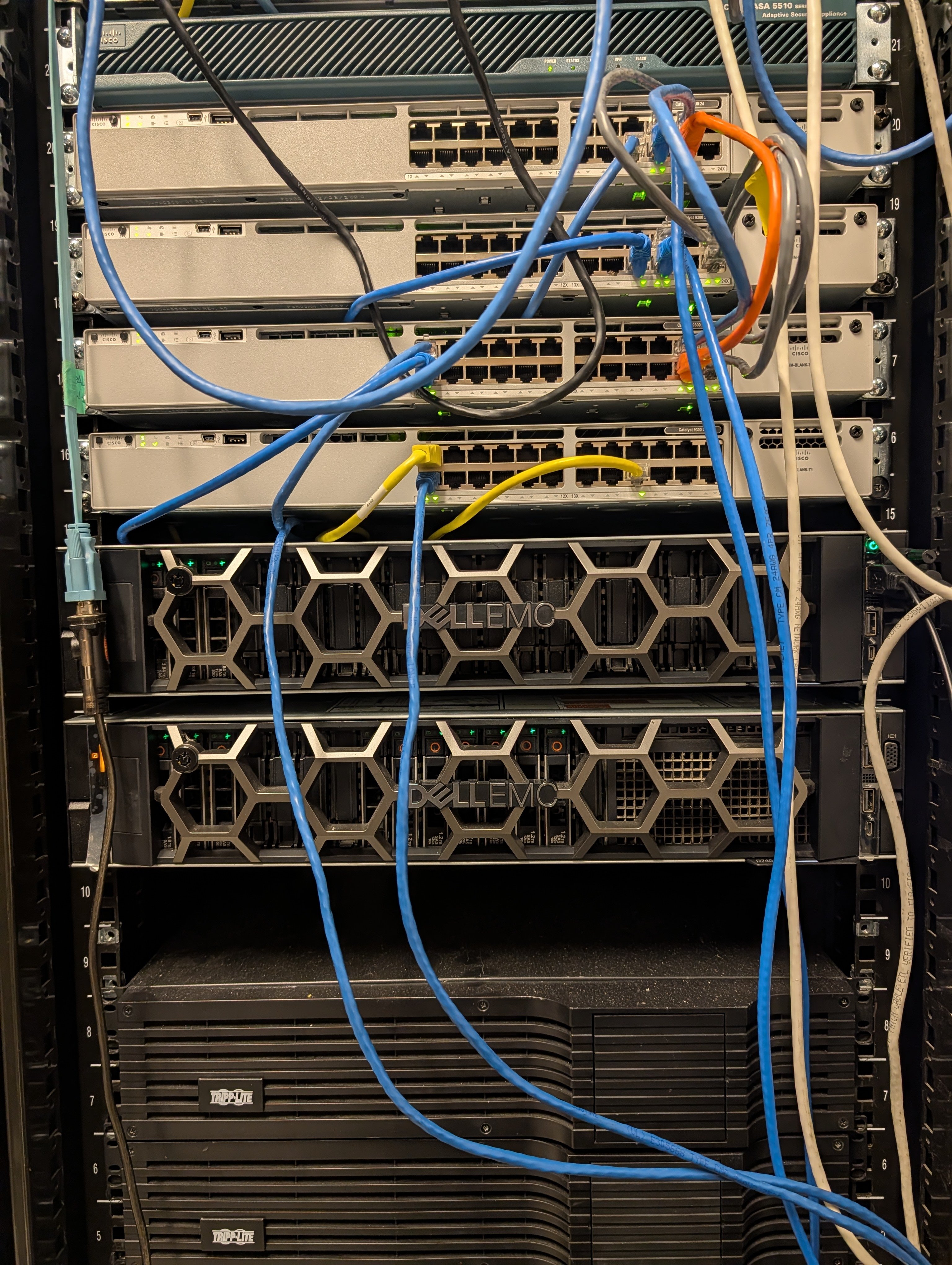
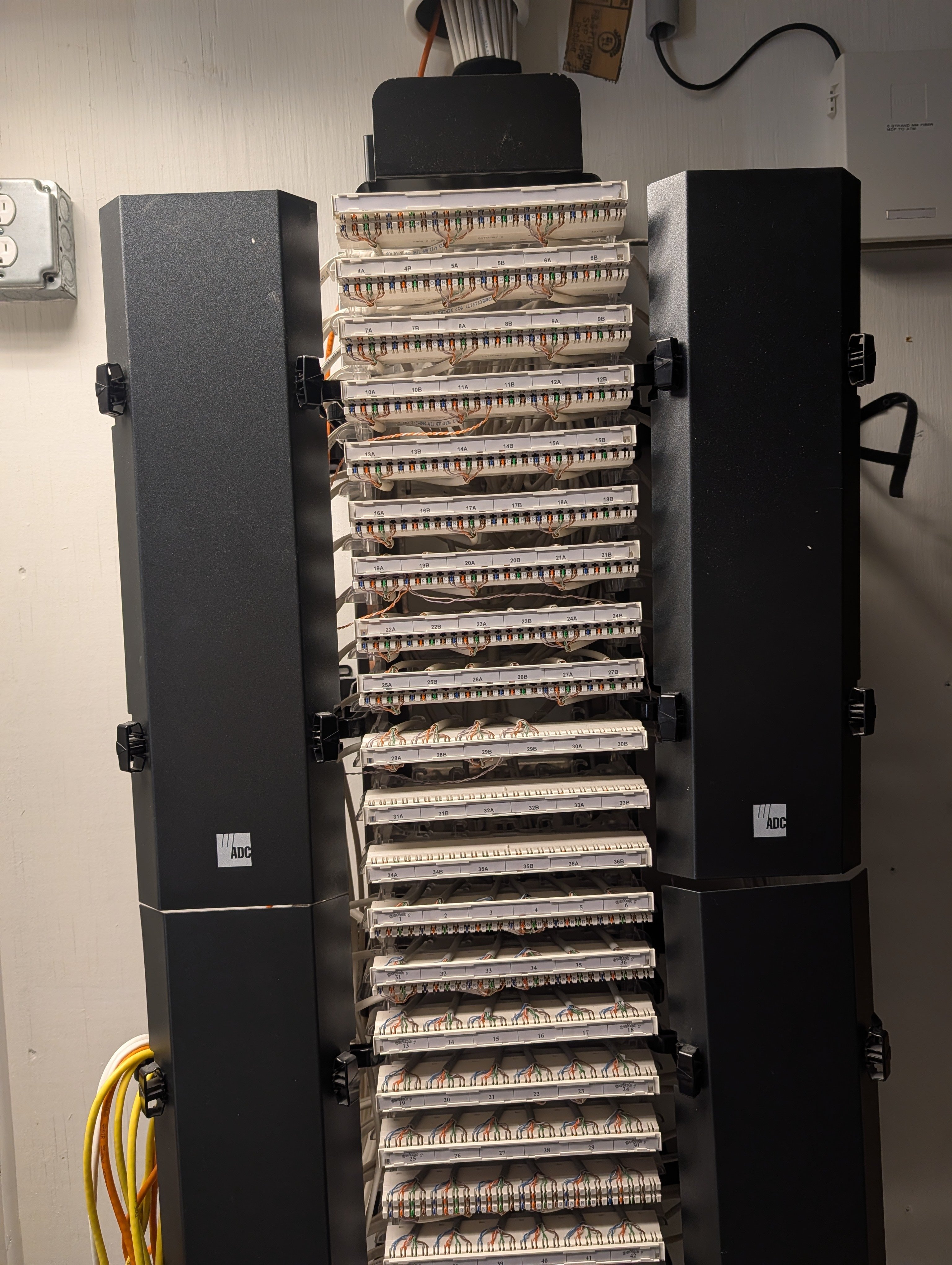
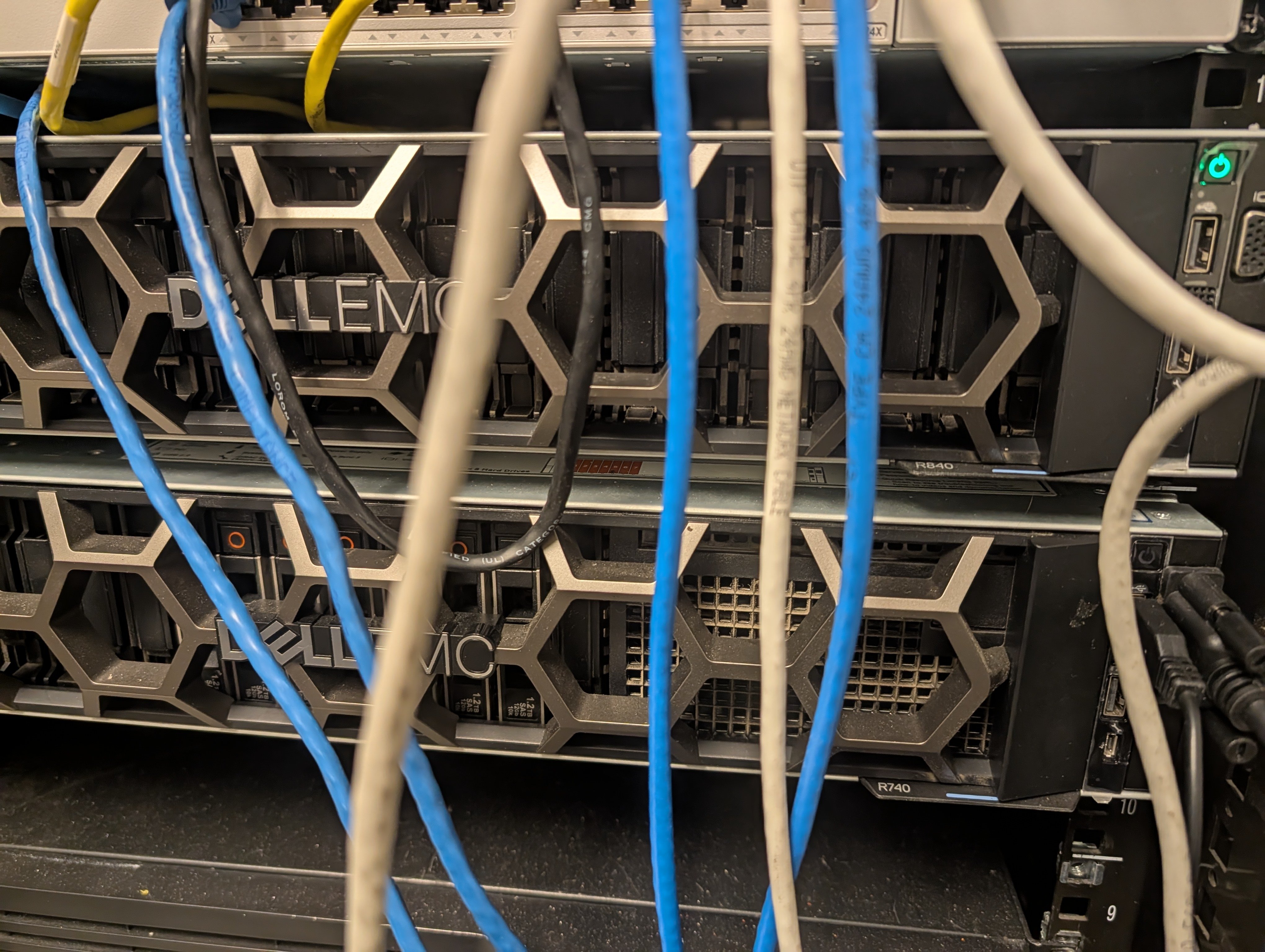
LaneCert uses physical networking and infrastructure equipment for guided lab practice that supports certification exam preparation and practical technical experience.

LaneCert lab rack with Cisco networking equipment, firewalls, switches, and patch cabling used for hands-on practice.
Rack-mounted Cisco switches, security appliance, and Dell EMC servers used in LaneCert lab training.
High-density ADC patch-panel infrastructure supporting LaneCert physical networking practice.
Close view of Dell EMC PowerEdge servers and network cabling in LaneCert’s lab rack.
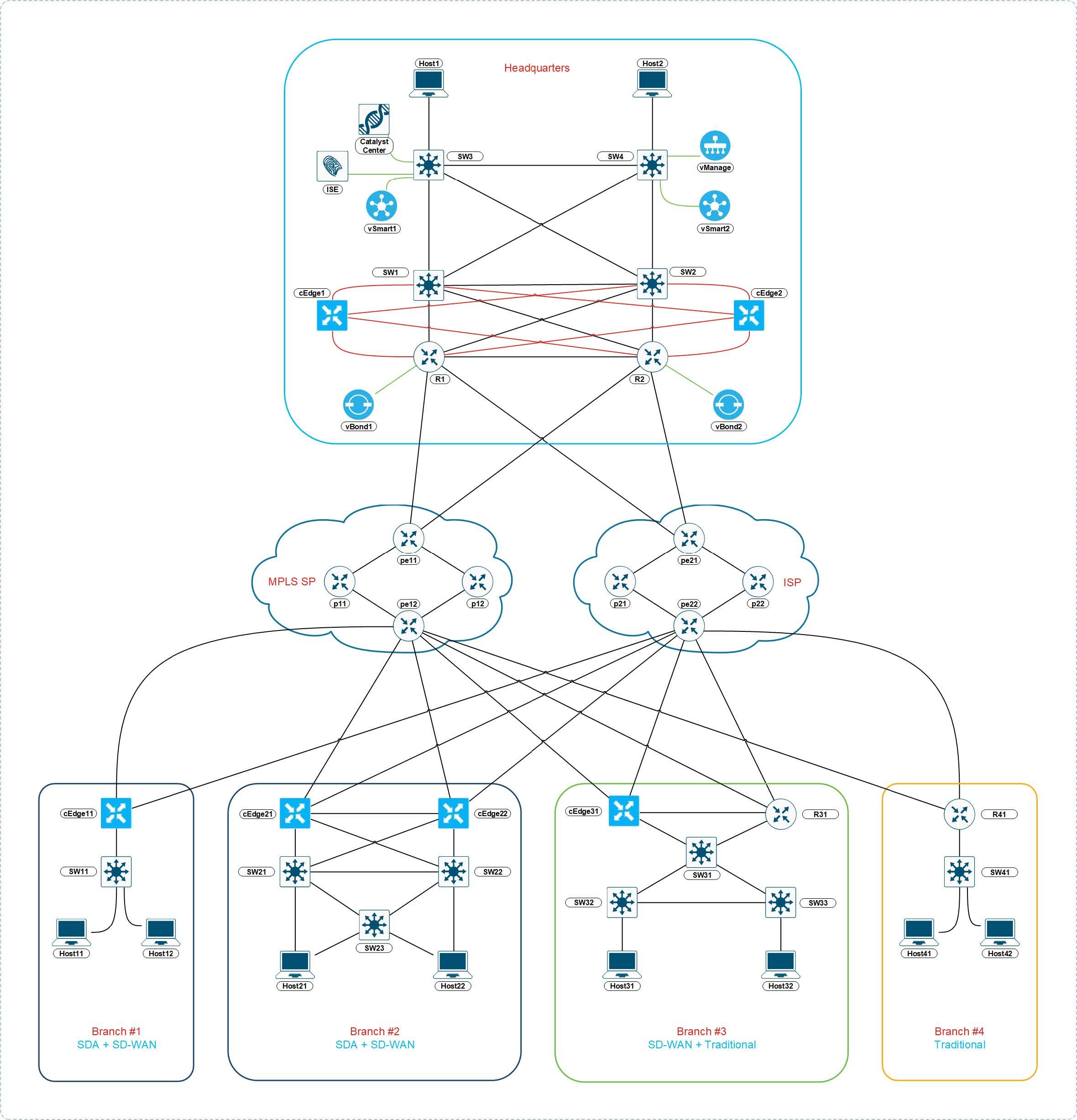
Example advanced enterprise lab topology used for certification-focused practice and lab workflows.
Example advanced enterprise lab topology

Your next move

Ask how lab practice fits your program.

Verify the current lab format, equipment access, instructor guidance, and schedule for the specific training path you are considering.